
GitHub Image Formatter
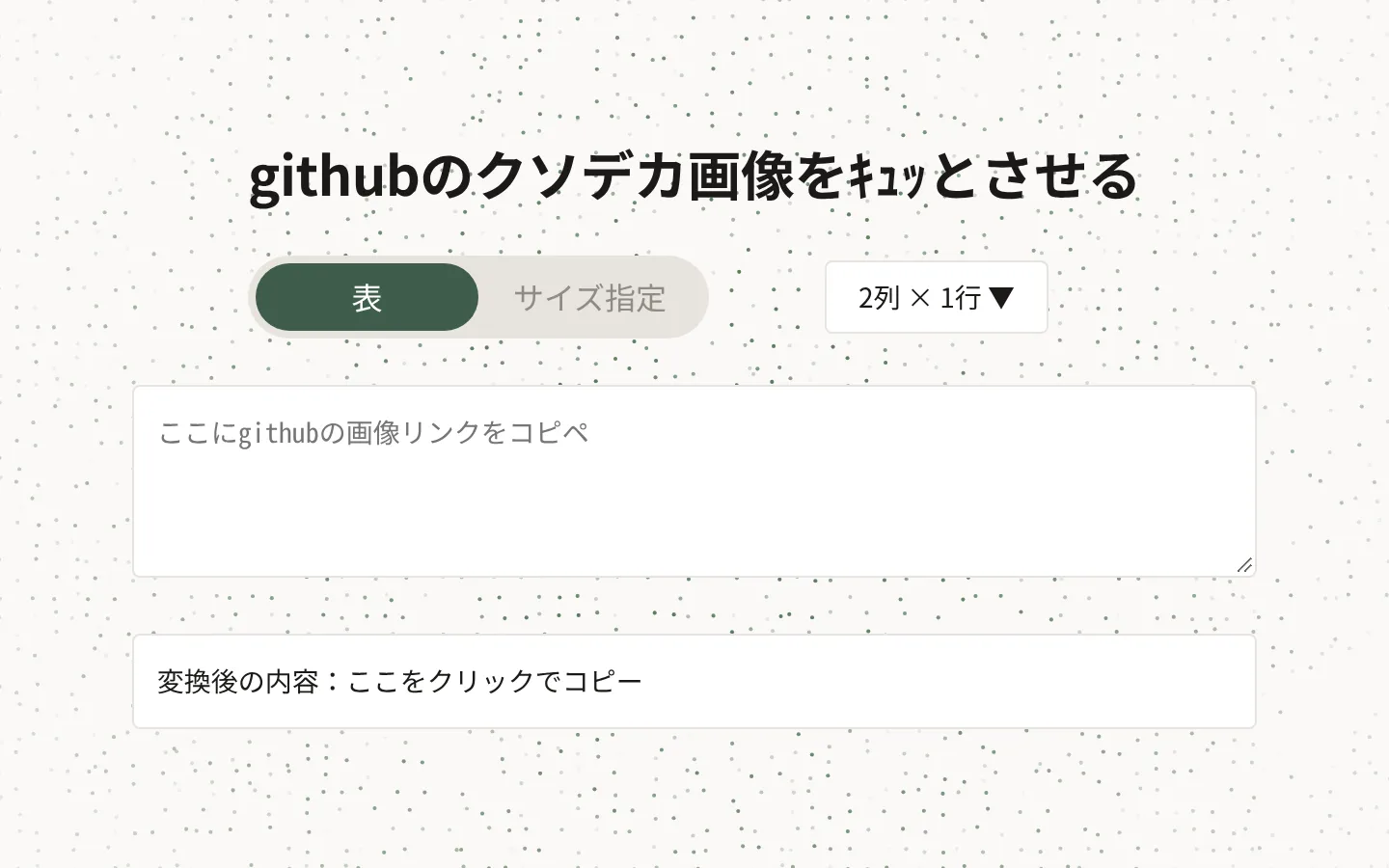
Turns screenshots that show up huge in GitHub comments into side-by-side tables or fixed-width img tags, so they stay compact.
Features
- Table mode: lays images out side by side in a Markdown table. Pick the columns and rows from a grid
- Size mode: converts images to
<img>tags with a fixed width - Click the result to copy it
- Shown in Japanese or English, depending on your browser’s language
- Platform
- Modern browsers
- Built with
-
- JavaScript